
Imagine finishing a 20-page research paper in under two minutes — without missing a single key point. That’s exactly what QuillBot Summarizer does. And if you haven’t tried it yet, you’re leaving a massive productivity advantage on the table.
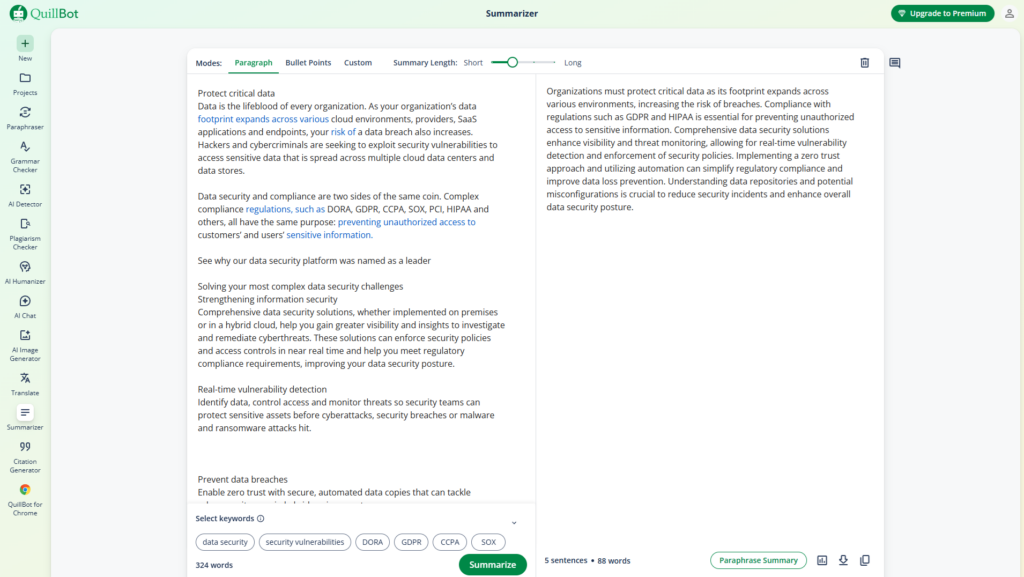
What is QuillBot Summarizer?
QuillBot Summarizer is an AI-powered tool that condenses long texts — articles, essays, PDFs, reports — into short, accurate summaries while preserving all the essential context. It’s trusted by millions of students, researchers, and professionals worldwide.
Whether you’re drowning in academic papers or trying to digest a 50-email thread before a meeting, this tool cuts through the noise fast.
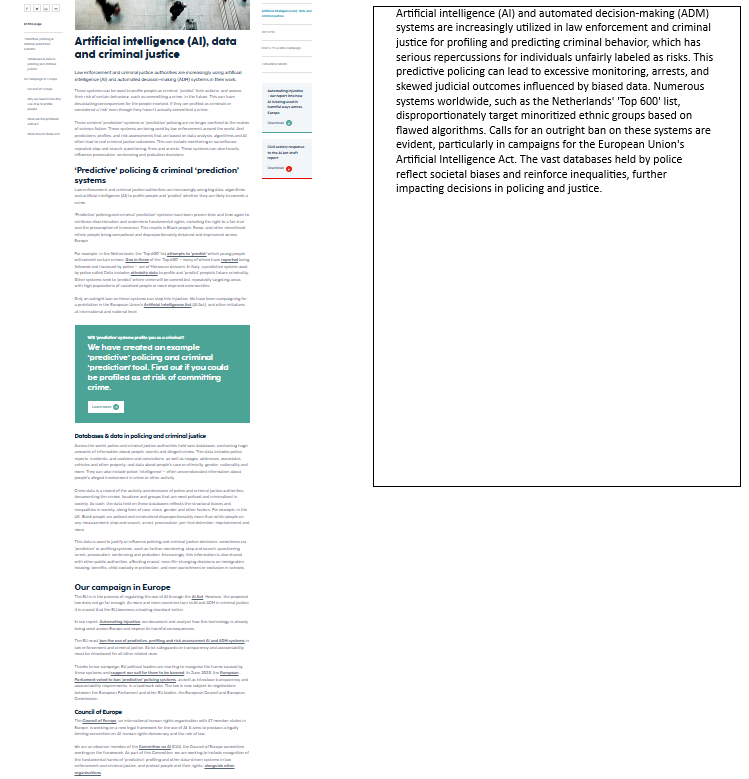
By: https://www.fairtrials.org/campaigns/ai-algorithms-data/
Key features you need to know
- Paragraph mode vs. Bullet Points mode — Choose a flowing summary or a clean list of key takeaways, depending on your needs.
- Length slider — Control exactly how short or detailed the summary is. You’re in charge.
- Keyword extraction — Tell the AI to focus on specific topics. Perfect for targeted research.
- File upload support — Paste text directly or upload a PDF or Word document. No copy-paste gymnastics needed.
How to use it: summarize + paraphrase to avoid plagiarism
Here’s the power move most users miss: combining QuillBot Summarizer with QuillBot Paraphraser is one of the most effective ways to produce original, plagiarism-free content from research material.
Step 1: Paste your source text into the Summarizer. Choose bullet points mode and set the length to short.
Step 2: Copy the summary output and paste it into the Paraphraser. Select “Creative” or “Formal” mode depending on your goal.
Step 3: Review and refine. You now have original, condensed content — ready to cite or publish.

Free vs. Premium: which one do you need?
The free plan allows summarizing up to 600 words at a time with unlimited daily use — more than enough for most casual users. The Premium plan unlocks higher word limits and a Custom Mode where you can give specific instructions like “summarize this as bullet points for an executive briefing” or “focus only on financial results.”
For students and occasional users, free is perfectly fine. For professionals and content creators, Premium pays for itself in hours saved every week.
Bottom line
QuillBot Summarizer isn’t just a shortcut — it’s a strategic tool for anyone who works with information. Students save hours on research. Professionals cut through report overload. Writers use it to extract ideas without plagiarism risk. The best part? You can start for free, right now.
Image suggestion #4
Person at a desk smiling at a laptop — productive, clean, modern. Conveys the “relief” and ease of using the tool. Stock photos from Unsplash or Pexels work great here.

Try QuillBot Summarizer Free →